Learn how to add a website shortcut to your mobile Home Screen using Google Chrome or Safari for quick and easy access.
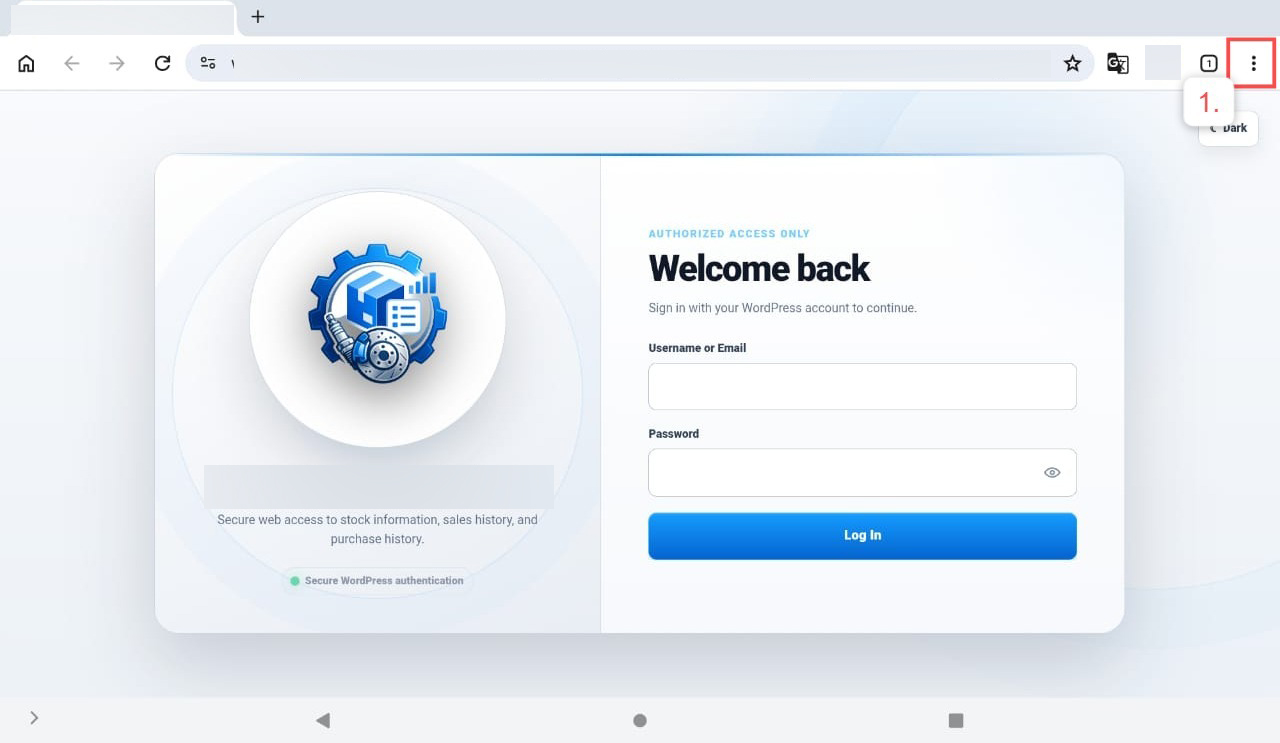
- Click the three-dot menu (⋮) in the top-right corner of Google Chrome.
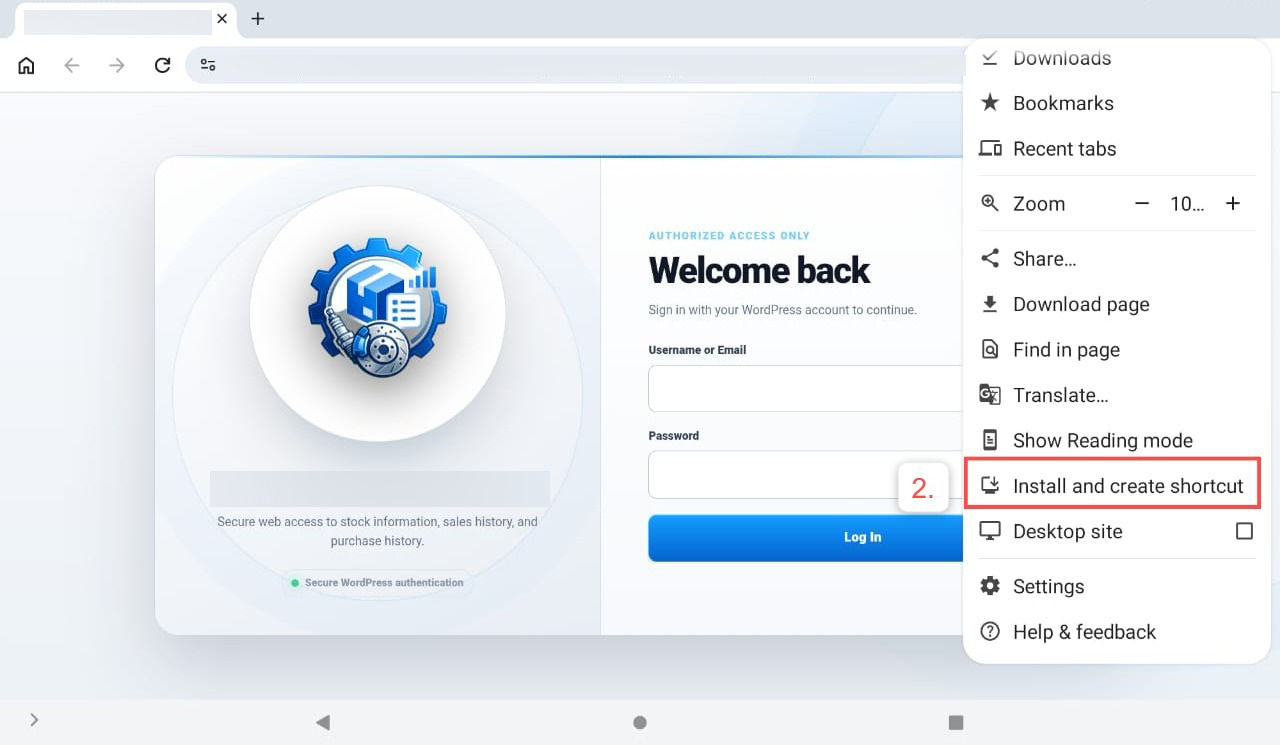
2. Select Install and create shortcut.
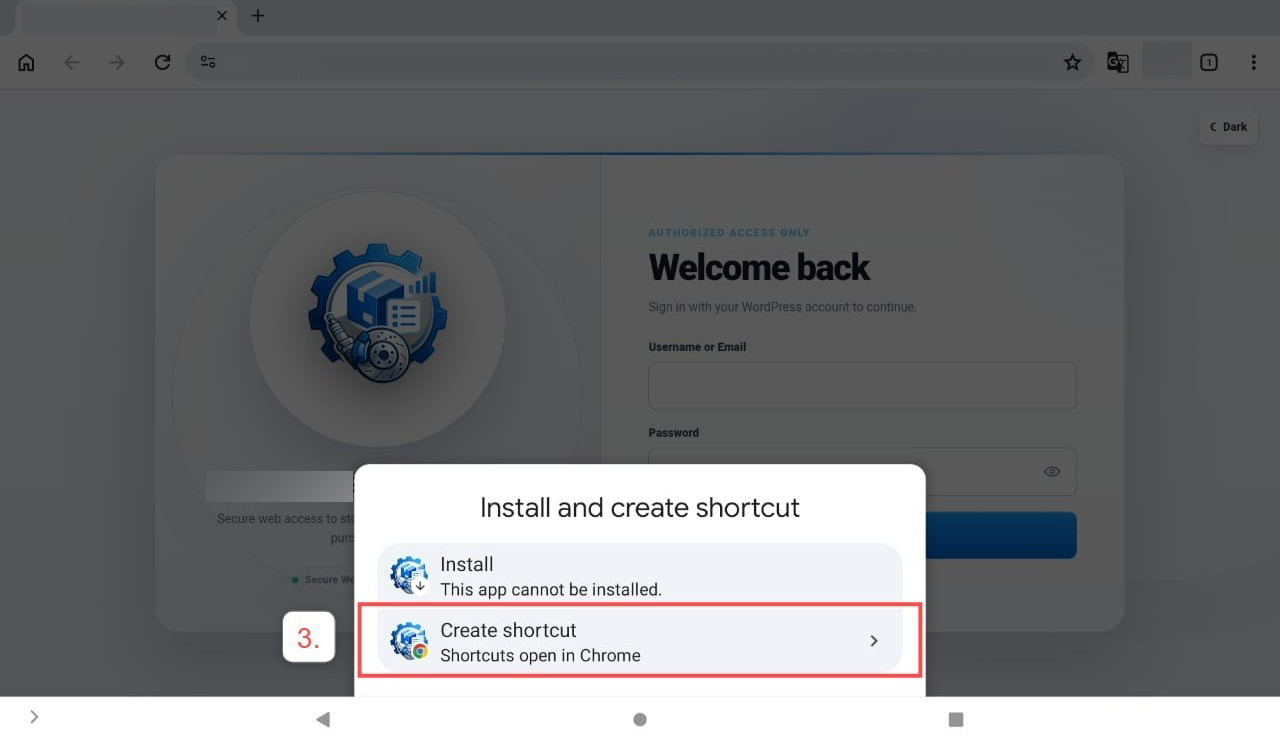
3. Click Create shortcut.
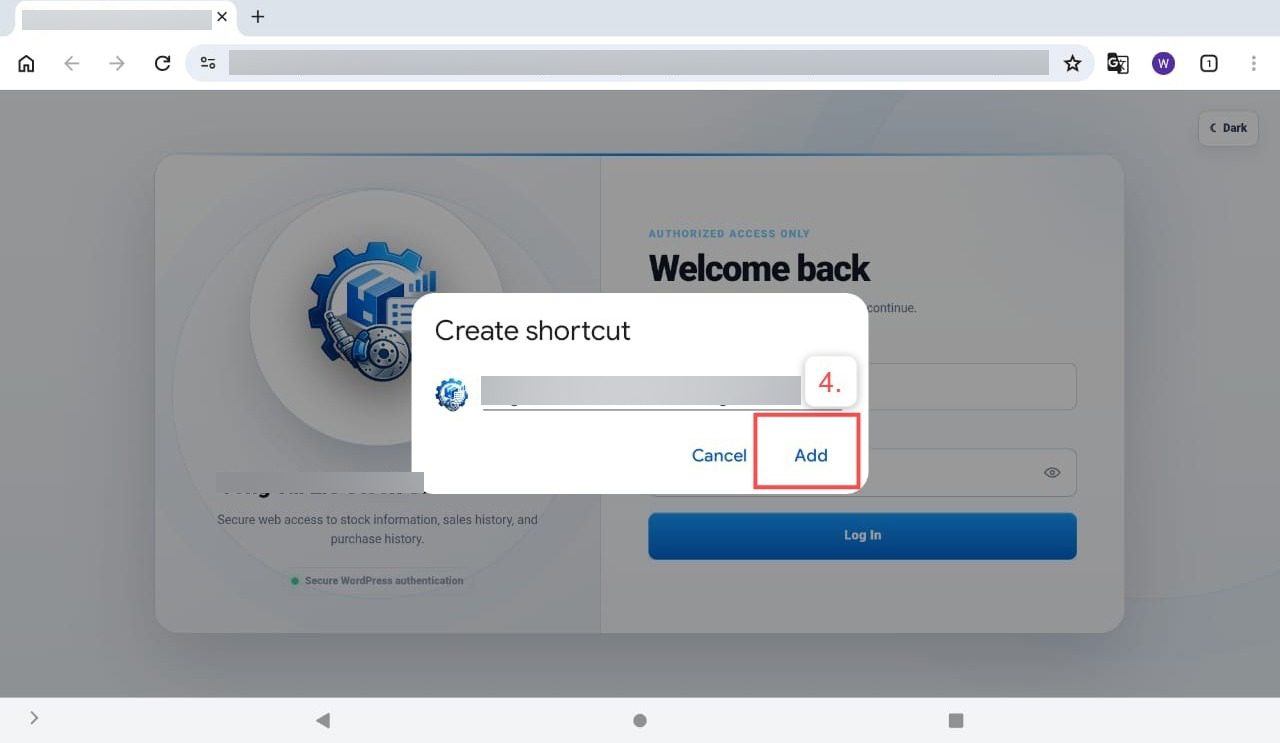
4. Click the Add button.
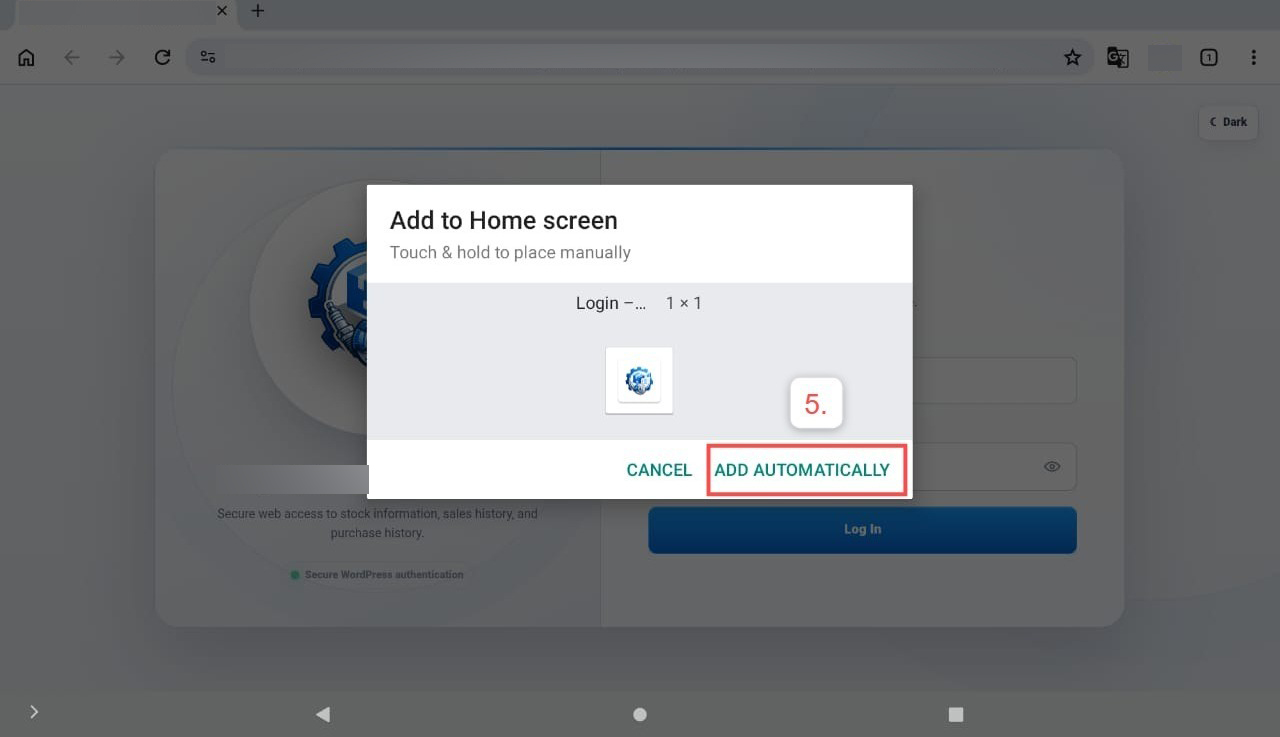
5. Click the Add automatically button to add the website shortcut to your Home Screen.
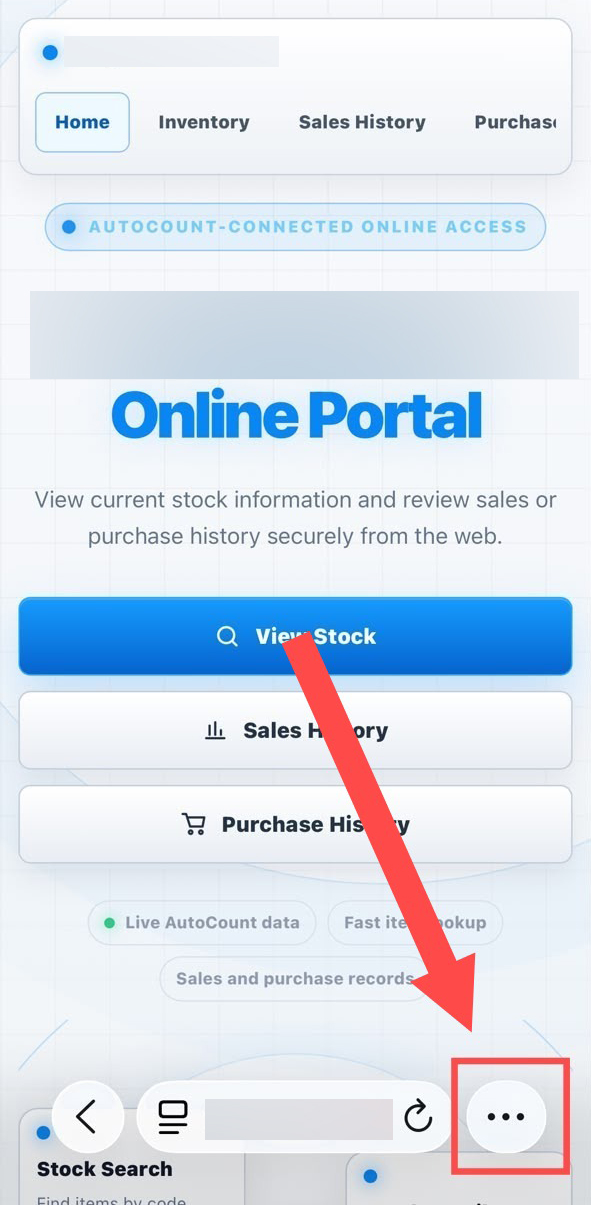
- Click the three-dot menu (⋮) in the bottom-right corner of Safari.
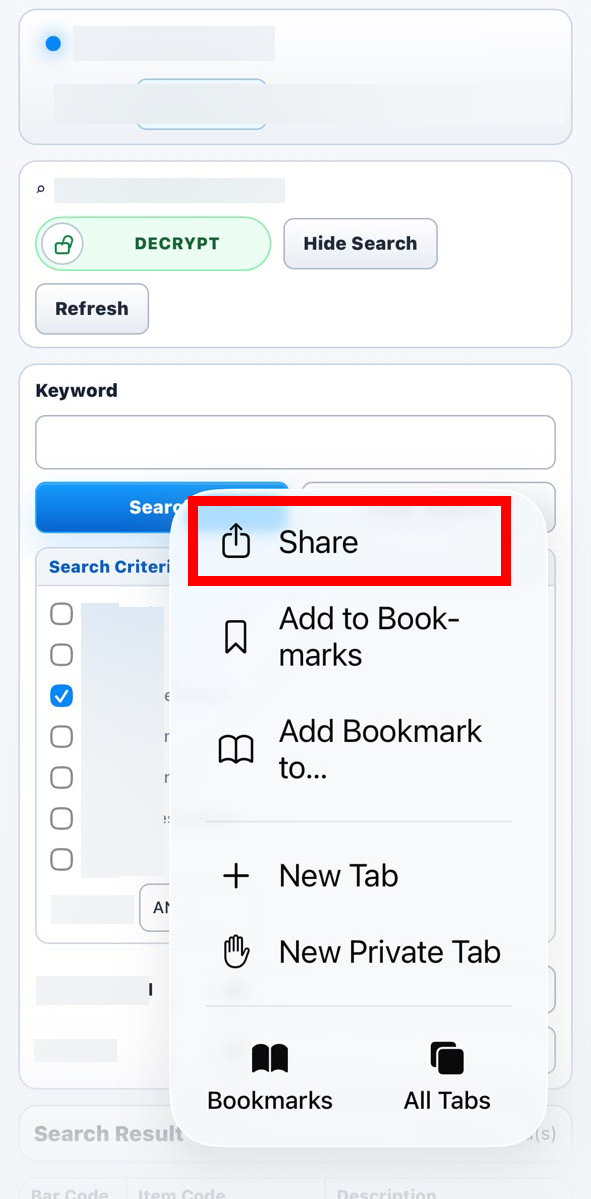
2. Click the Share Button.
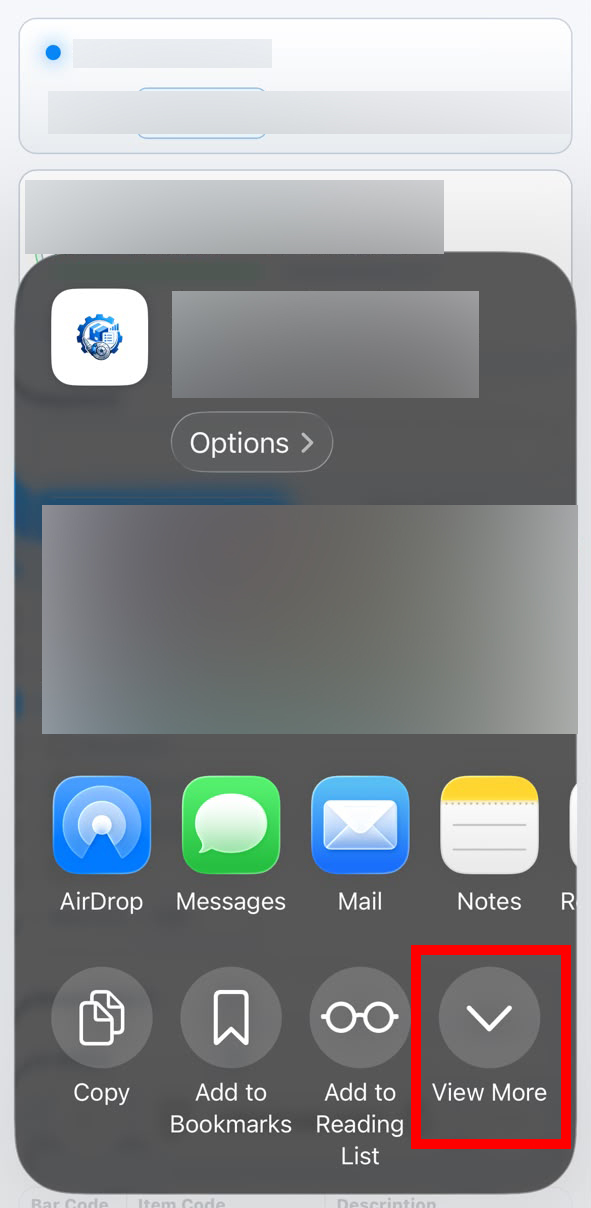
3. Click the View More Button.
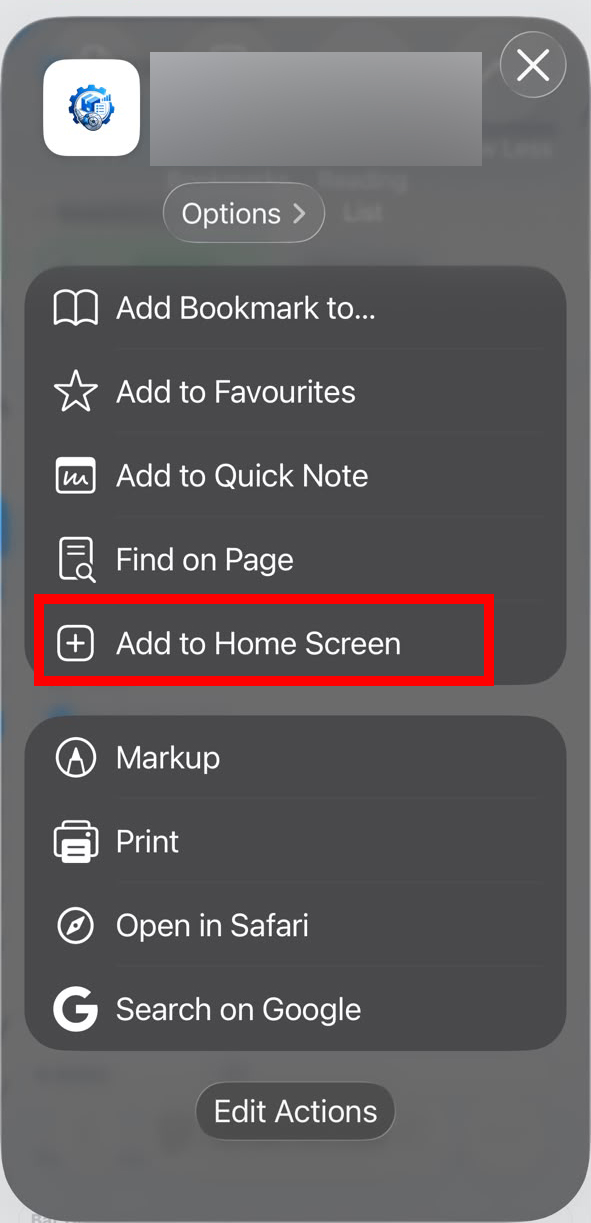
4.Click the Add to Home Screen Button.
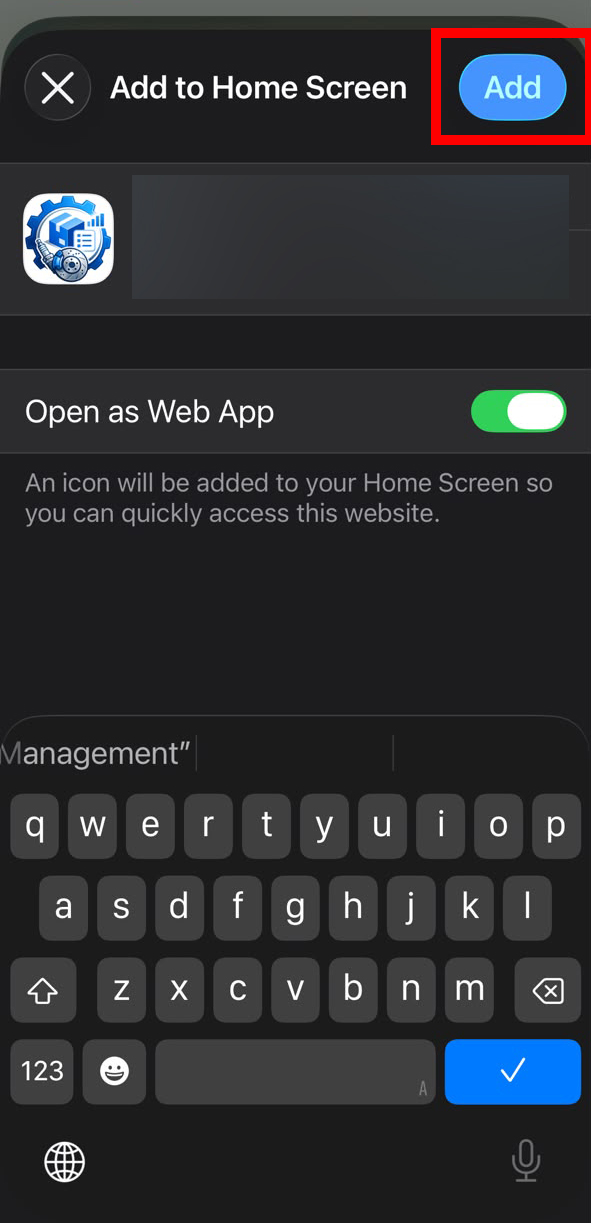
5.Click the Add Button.
Credit By : Webstation


