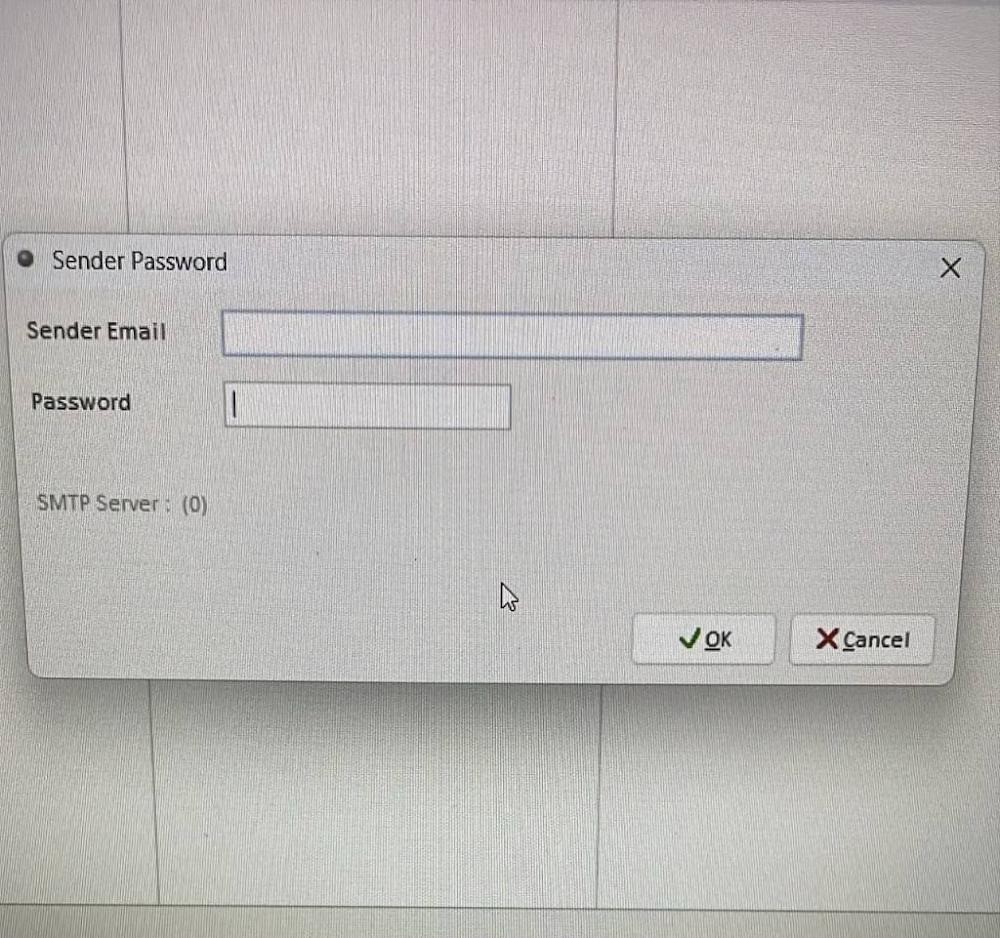
To link your email account inside Million Accounting Software’s “Sender Password” window, you must configure a dedicated App Password rather than your standard personal email login password. Major providers block direct application sign-ins to protect account security.
🔑 1. What to Enter in the Window
- Sender Email: Enter your full corporate or personal email address (e.g., yourname@gmail.com or sales@yourcompany.com).
- Password: Do not enter your main email password. Instead, paste a generated 16-character App Password (see generation steps below).
⚙️ 2. How to Generate an App Password
Depending on your email provider, follow these specific navigation paths to create the required credentials:
🌐 For Google Workspace / Gmail
- Go to your Google Account Security Settings.
- Ensure 2-Step Verification is fully enabled.
- Scroll down or search for App passwords.
- Enter a custom name (like “Million Accounting”) and click Create.
- Copy the generated 16-character code directly into the password field of the software window.
Credit By : Webstation


