Video :
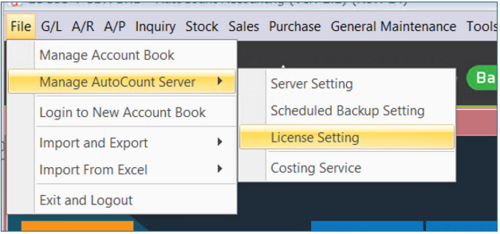
1) Login to AutoCount, Go to File > Manage AutoCount Server > License Setting.
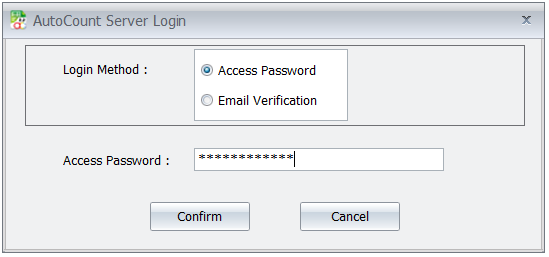
2) Type Access Password or you can request again verification code sent to your email if forgot password.
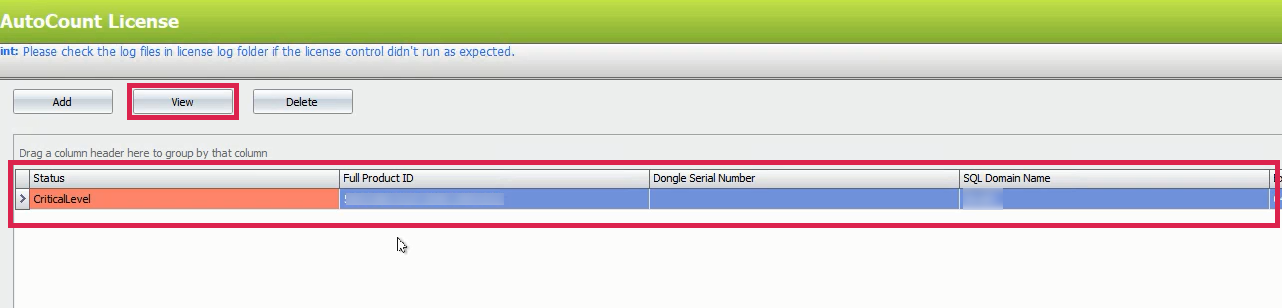
3) Click View for the product ID.
4) Click Get Online.
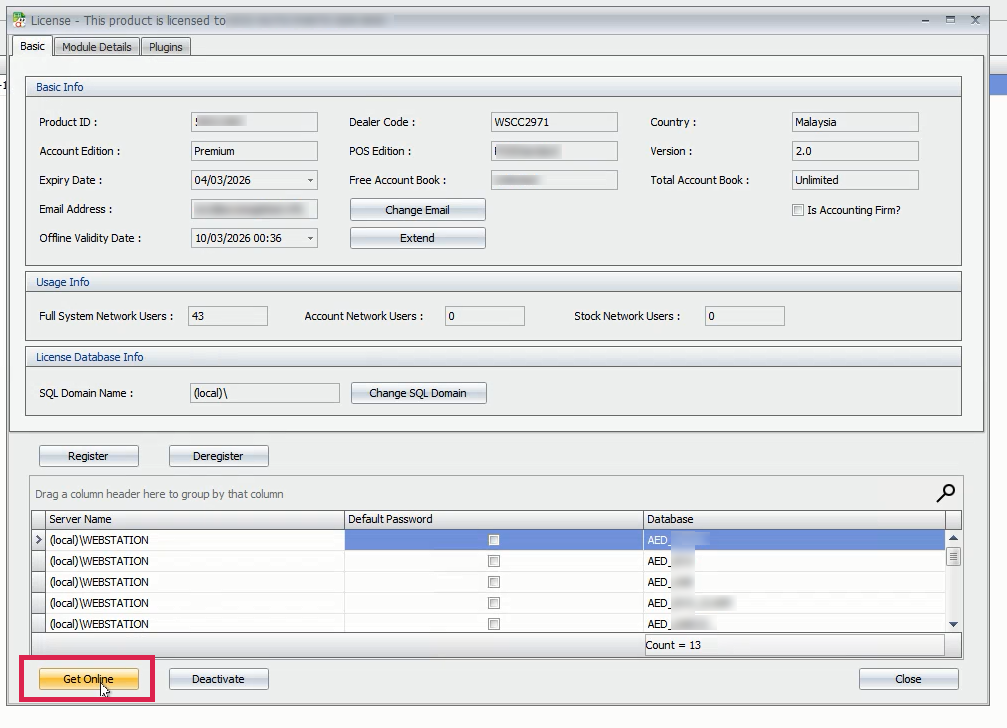
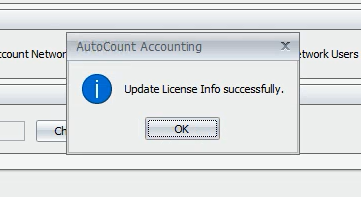
5) Update License Info successfully.
Credit By : Webstation


